



Turn your Zaps into a visual map of your automations
Automatically create synced visual documentation for your Zapier automations in less than 1-minute, so your team gets a clear picture of how your automations work within human-in-the-loop processes.
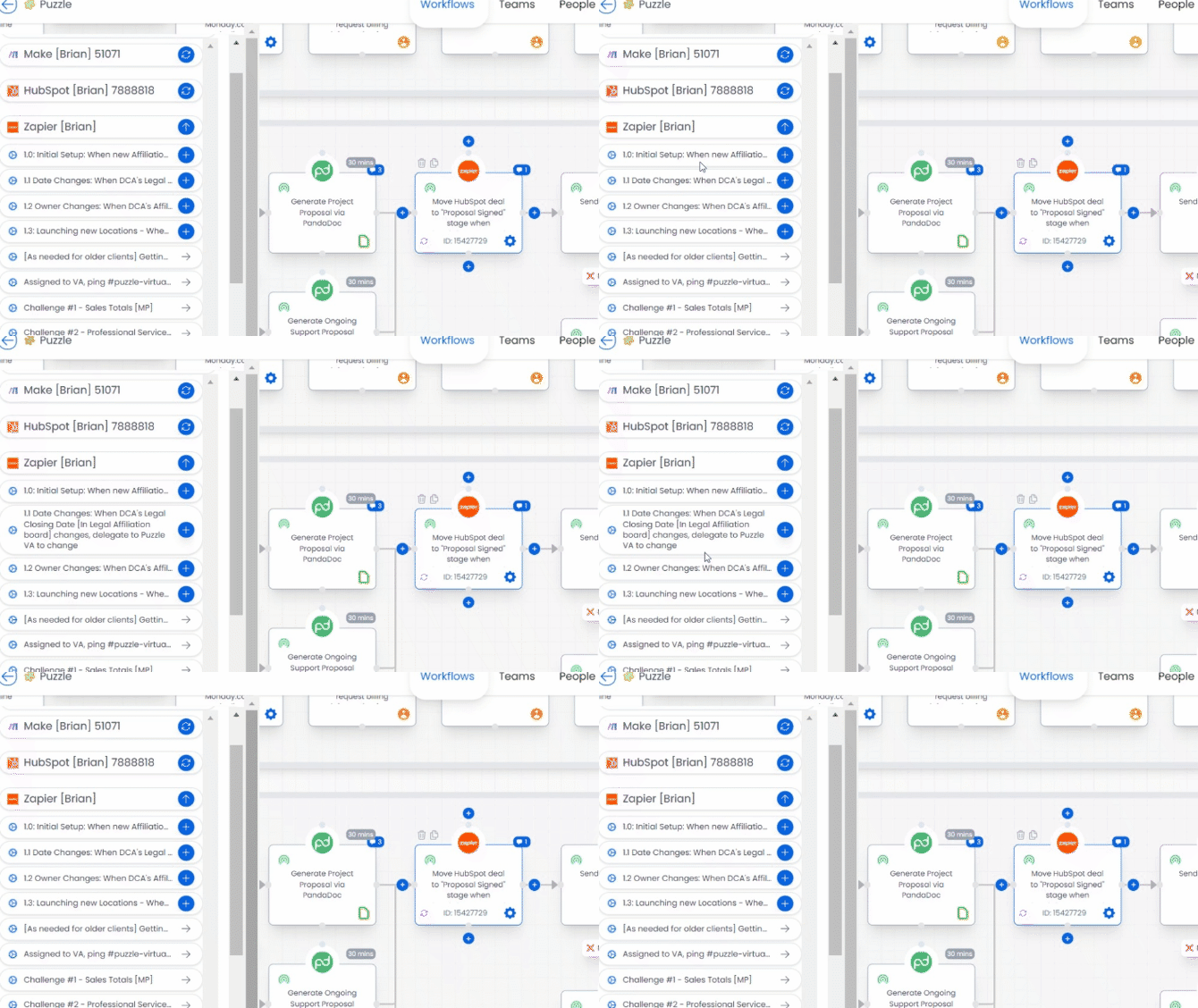








See the integration in action
Click through the interactive demo.
See every Zap in one picture
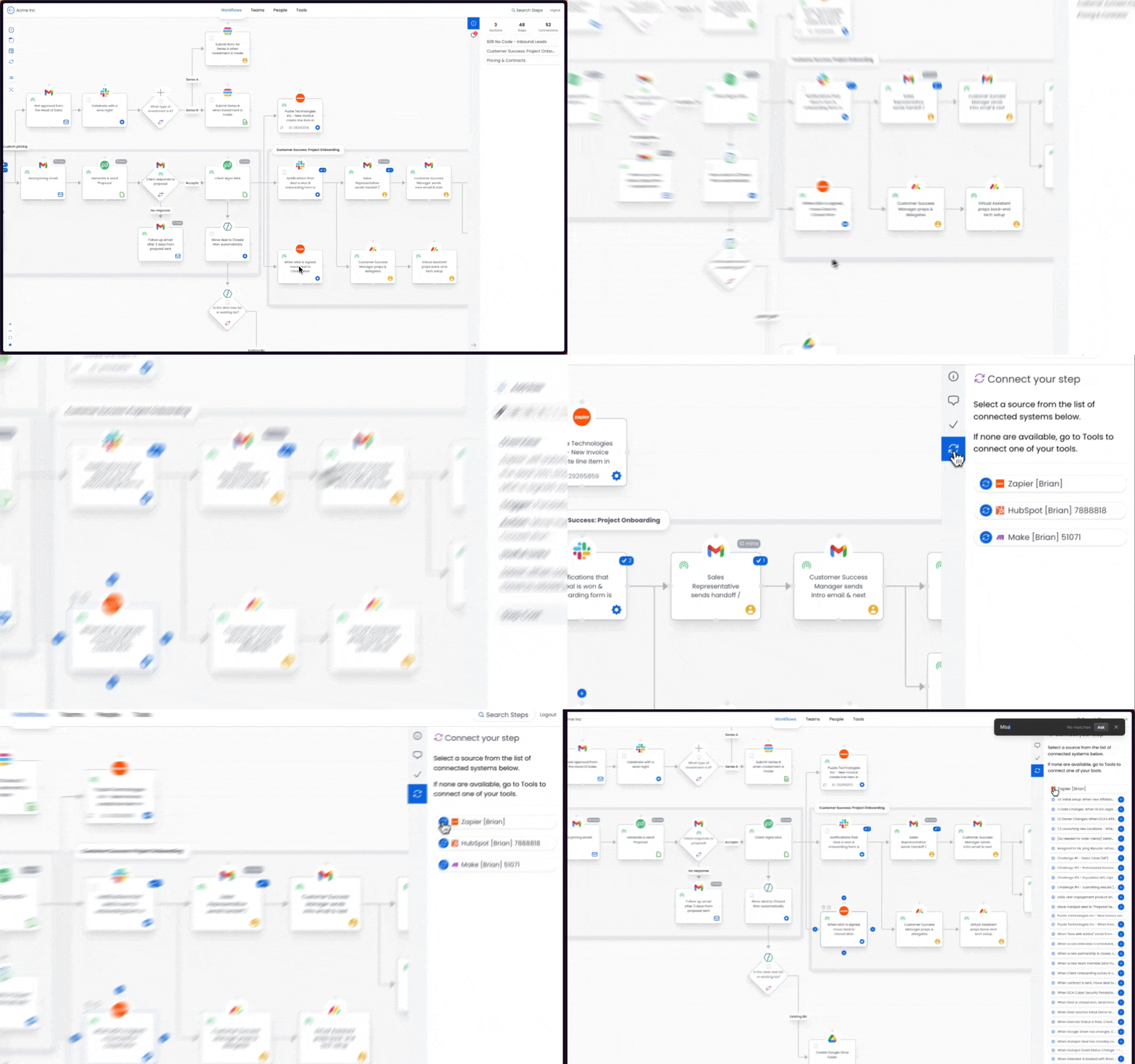
Connect your Zapier account and Puzzle creates a step for each Zap on the workflow canvas. Instead of scrolling a list, you get one diagram that shows where each automation sits and what it touches.

See exactly how Zaps work with other systems
When something breaks, the diagram shows you where to look instead of making you trace it Zap by Zap. Each step deep links back into Zapier, so you can jump straight to the automation you need to change.

Work with your team to optimize your workflows
Your team should not have to open Zapier to understand what is automated. Share the canvas so everyone reads the same map, and stop rebuilding diagrams by hand in a separate tool.
Frequently asked questions
How the integration works and what data moves between systems.
The integration pulls every Zap in a given Zapier account and creates each one as a step on the Puzzle workflow canvas.
Setup takes less than a minute, and every Zap shows up as a step on the canvas.
No. The integration creates one step to represent the whole Zap. To reach the underlying actions, use the deep link in the step's sidebar to jump straight into Zapier.
See your whole operation on one canvas
Map your first workflow today. Free to start, no credit card needed.