




Know the true cost of every process
Puzzle puts a cost on every step of a process, so you can show where the money goes and what an improvement is actually worth. No spreadsheet to rebuild every time something changes.
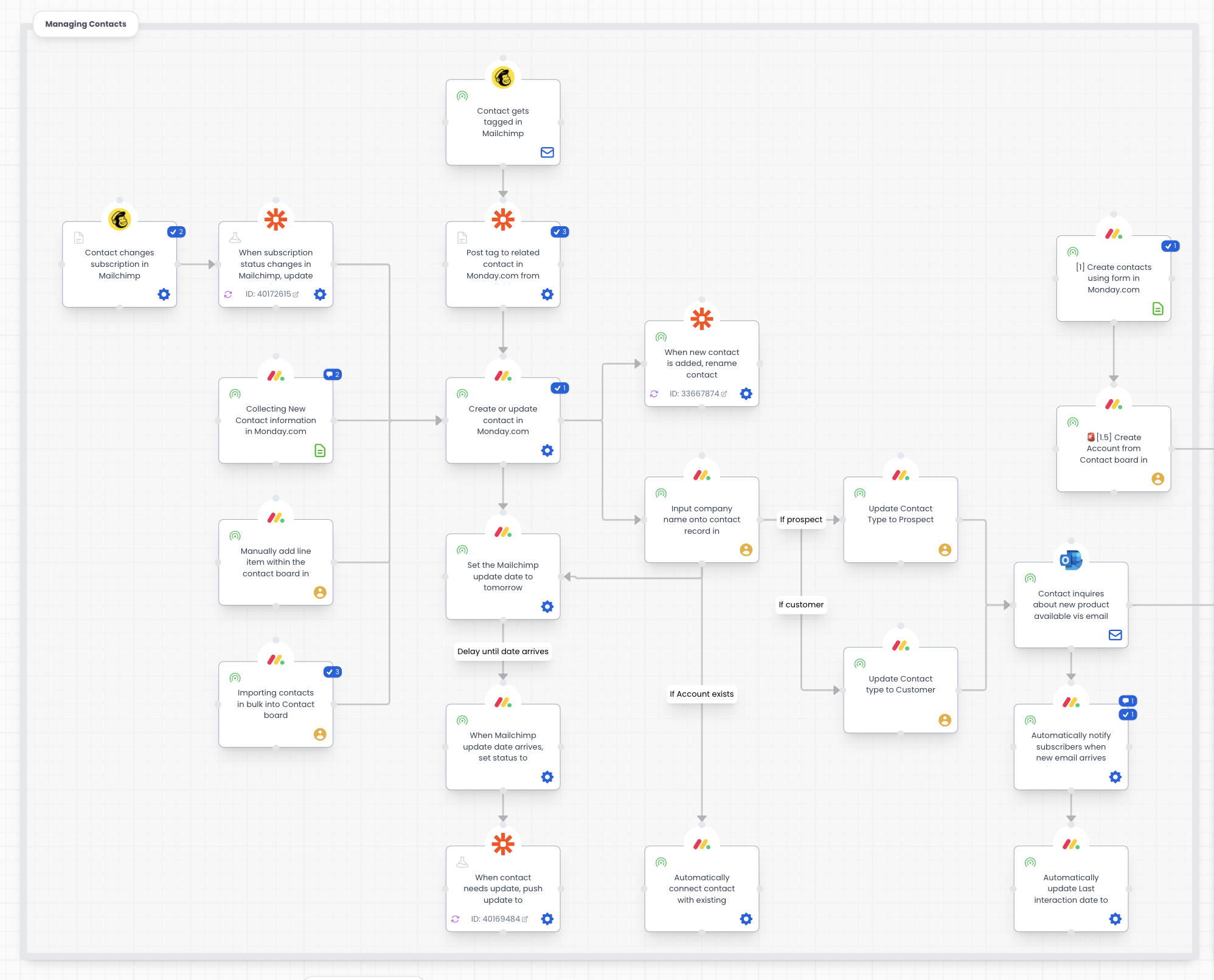









See the integration in action
Click through the interactive demo.
Turn process costs into clear ROI
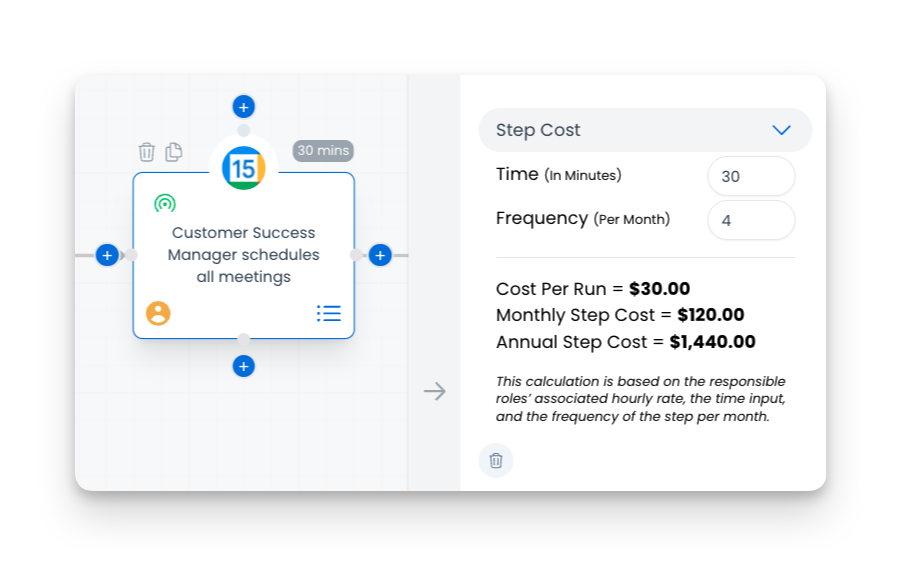
A standard process map shows you the steps. Puzzle adds the financial layer on top and calculates the cost of each step, so you can show what a change or an automation is actually saving.
Find your top opportunities for savings
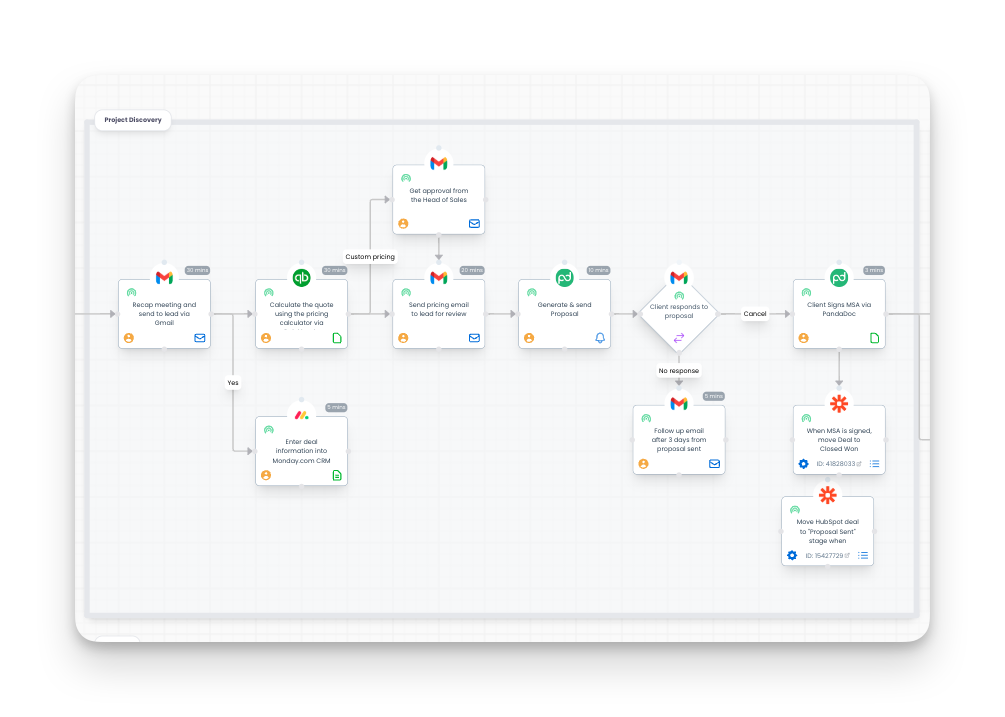
Work through the process with your team and look at time, effort, and cost in one place instead of a stack of spreadsheets. The expensive bottlenecks stand out, so you can decide what to fix first.

Give finance stakeholders clear operational impact
Puzzle's Step Cost Calculator turns a workflow into an ROI case your stakeholders can read. Every improvement you propose arrives with a number attached and the steps that number came from.
Frequently asked questions
How the integration works and what data moves between systems.
It calculates the cost of each step in a process, then gives you the cost of the process as a whole. That becomes your baseline, so you can compare it against the version you get after changing or automating part of the work.
No. The costing sits on the same canvas as the process map, so the numbers stay attached to the steps they describe. You are not maintaining a separate file and keeping it in sync with the diagram.
Yes. Cost the process the way it runs today, then cost the version you are proposing. The difference is the savings figure you take to your stakeholders, and they can see the steps it came from.
See your whole operation on one canvas
Map your first workflow today. Free to start, no credit card needed.